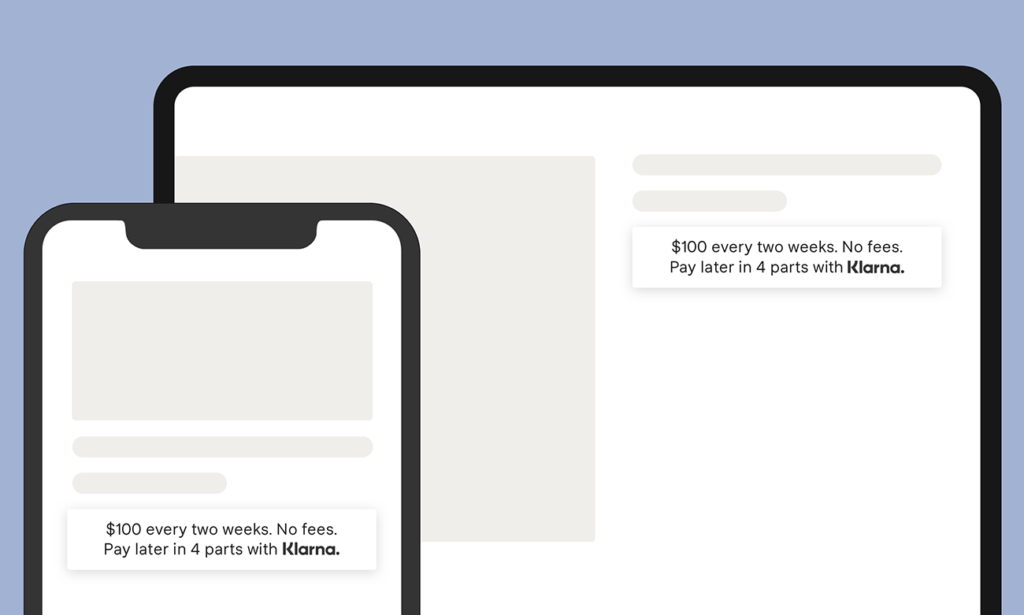
How to Integrate Klarna On site Messaging in Shopify
To have a successful hurdle free instalment, complete prerequisites before beginning Klarna On Site Messaging setup.
Before using the Klarna On Site Messaging app, merchants should integrate the Klarna Payments app first and ensure API credentials are active.
Once API credentials are connected, you can configure ad placements and tune messaging positions in your Shopify theme.
Installation
Before starting, integrate Klarna Payments and keep your credentials ready from the Klarna merchant signup flow.
Install Klarna On Site Messaging from the Shopify App Store and connect your account.
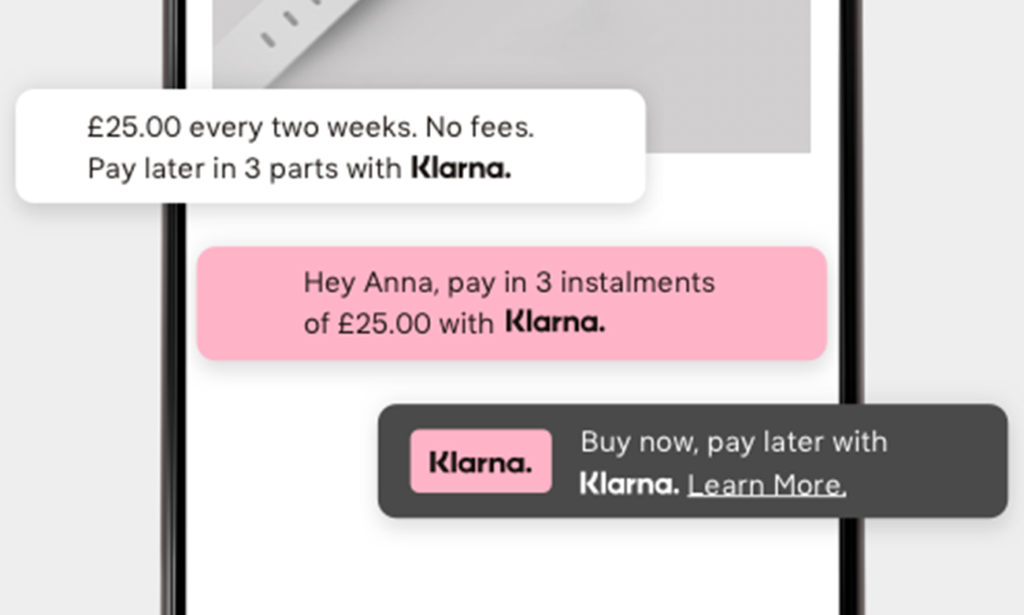
After connection, create placements from the dashboard using "New Ad Position".
Useful references: Klarna Payments install wizard, merchant signup links, and the Shopify merchant guide.
- Enter a name for your Shopify Ad Position.
- If your country is not already defaulted, select the country matching your Klarna API credentials.
- Select the appropriate placement; Product Detail is recommended for Product and Cart pages.
Manual OSM Integration (Without Using SKOSM)
If JavaScript errors block the app preview, you can integrate Klarna On Site Messaging manually in the Shopify theme.
A hybrid approach is also possible where app setup and custom theme code are combined.
If you add placement tags manually, refresh placements when product variants change.
- Add Klarna OSM JavaScript library to the Shopify store.
- Add placement to the theme using the appropriate placement tags and refresh code.
- Refresh placement when variant changes so messaging updates with selected product variant.
Removing The Klarna OSM App:
Disconnect the account from settings before uninstalling the app. Deleting the app removes associated libraries.
Main Issues Users Facing During Integration
- Stores using Klarna via Shopify Payments may not get direct Merchant Portal/API access. This app supports Klarna integrated as an Alternative Payment Provider under Shopify payment settings.
- For full product preview display, the store should not be password protected.
Share this article