
Benefits of Using a Scanner Application
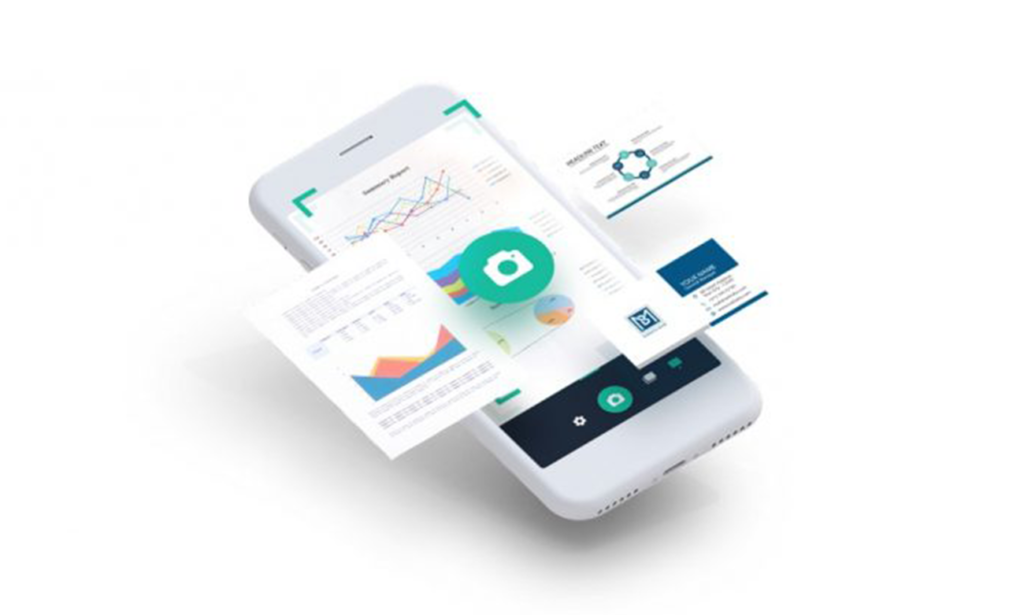
The Ios Ocr Sdk is designed to extract data from images and government certified documents and convert it into text with high accuracy.
Instead of manual typing, users can capture photos and let OCR automate the data entry process in minutes.
This approach improves productivity, reduces repetitive work, and supports secure digital verification workflows.
Our application works for the scanning of:
- PASSPORT
- ADHARCARD
- LICENSE
- PAN CARD
- FACE RECOGNITION
- 3 D SELFIE
How the scanner is used
Passport Scanner: Capture the passport image from the rear camera and convert image data to text.
Adharcard Scanner: Capture front and back photos and import extracted details to your system.
License Scanner: Capture both sides of the license and convert the image into text.
PAN Card Scanner: Capture front/back and extract text data reliably.
Face Recognition: Verify identity using facial biometrics against document data.
3 D Selfie: Useful for virtual try on workflows such as eyewear and other visual commerce experiences.
This is a simple FOUR STEP process:
- LIVENESS CHECK: AI algorithms validate whether the person has a genuine identity.
- ID SCANNING: Government issued documents are uploaded and scanned.
- VERIFICATION: Facial biometrics are matched with the photo ID.
- ISSUANCE: After successful verification, an eID is issued.
Share this article
Related Articles
 Mobile App Development
April 11, 2025
Mobile App Development Expectations V/S Reality
A practical reality check on mobile app development myths, from direct website conversion to submission and app store optimization.
 Ionic
IonicApril 4, 2025
What is IONIC? Why do we use IONIC for app development?
A complete open source SDK for hybrid mobile apps, IONIC enables fast cross platform development with modern UI frameworks and native capabilities.